Online booking that fits your working day.
Give clients a clear way to choose a service and an available time. scopebook connects your public booking page to your working calendar, so online requests and appointments taken by your team stay in the same workspace.
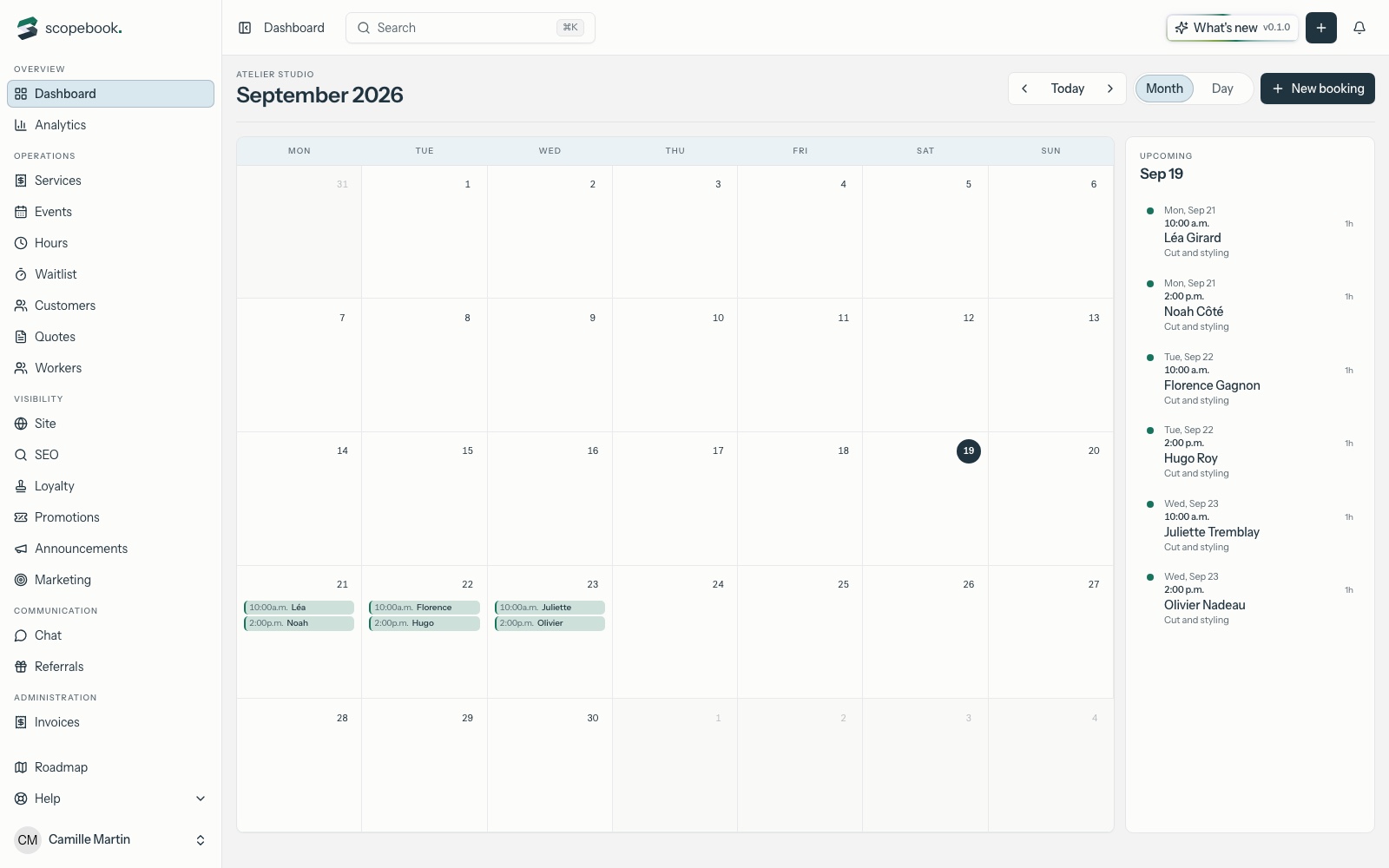
Publish services your clients can book
Set up your services with their duration and price, then publish your business website. Share its address from your existing website, social profiles or email signature. Clients can see what you offer and begin a booking without first calling to ask for your next opening.
Make availability reflect the work
Configure working hours, days off, notice periods and time between appointments. Public availability accounts for the selected worker and existing bookings. That makes a short consultation and a longer service fit the same calendar without treating every appointment as the same block of time.
Keep phone bookings in the same calendar
Your team can create appointments for clients who contact you directly. View the day, move a booking when plans change, and record whether a visit was completed or missed. The calendar remains connected to the client record for the next conversation.
Give clients a place to follow up
Confirmation and reminder emails support the booking journey. In their portal, clients can consult their appointments and change or cancel eligible bookings within your policy. Where your plan and payment setup allow it, a service can request an online payment or deposit.
Frequently asked questions
- Can a solo professional use scopebook?
- Yes. You can organize your own services and availability, then add team members as your needs and plan allow. You do not need several workers to start.
- Do clients need to call to book?
- No. Clients can use your published booking page. Guests verify their email to complete the booking process; any required payment follows your service settings.
- Are all booking features included in every plan?
- Feature access and limits depend on the plan. Review the plans available when you sign up, especially booking, public website, payments and deposits, before choosing your setup.